On this page
Introduction
Playwright Test is an end-to-end test framework for modern web apps. It bundles test runner, assertions, isolation, parallelization and rich tooling. Playwright supports Chromium, WebKit and Firefox on Windows, Linux and macOS, locally or in CI, headless or headed, with native mobile emulation for Chrome (Android) and Mobile Safari.
You will learn
How to install Playwright
What's installed
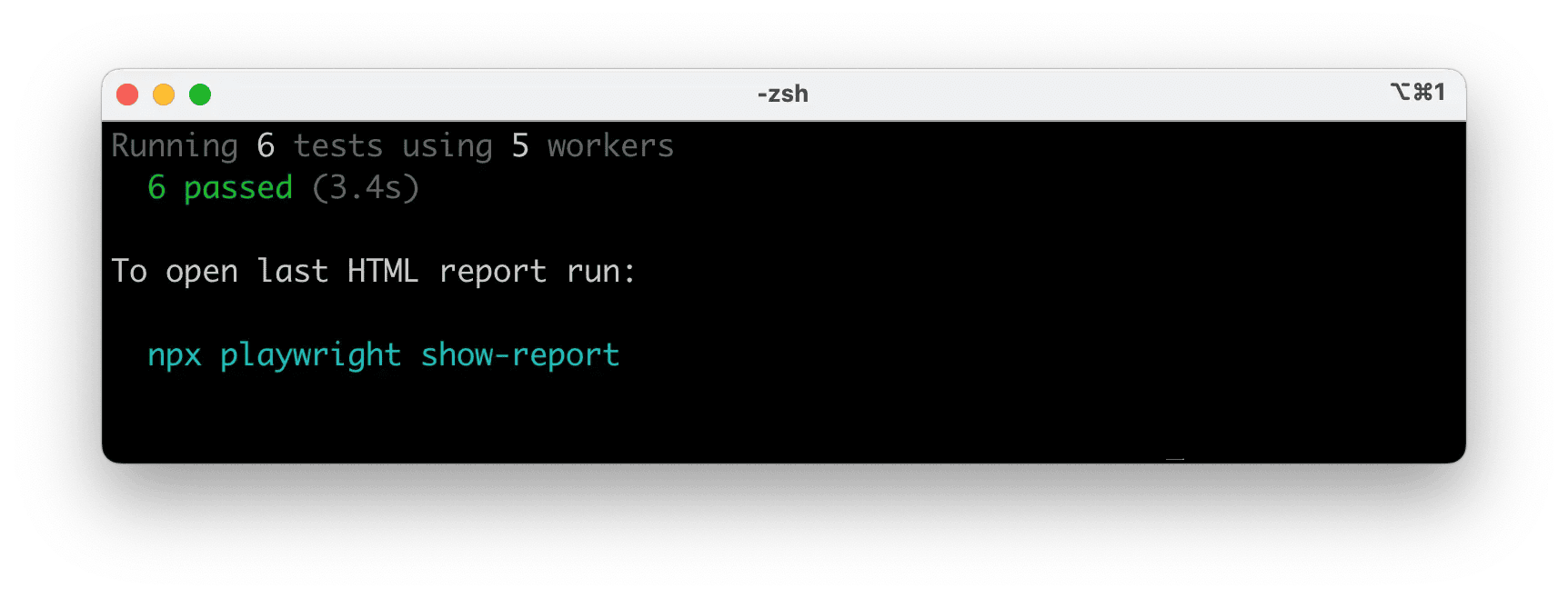
How to run the example test
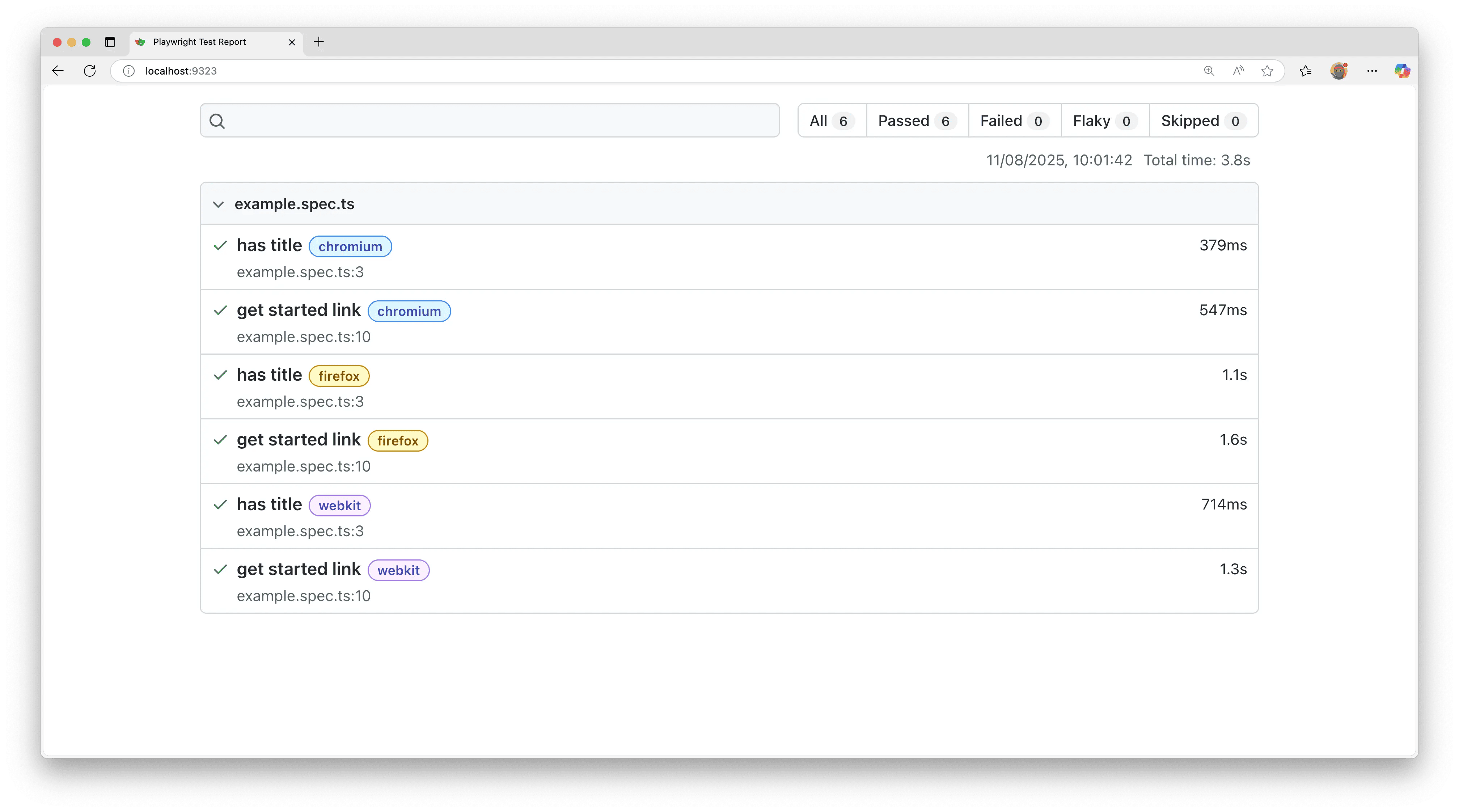
How to open the HTML test report
Installing Playwright
Get started by installing Playwright using one of the following methods.
Using npm, yarn or pnpm
The command below either initializes a new project or adds Playwright to an existing one.
npm
yarn
pnpm
npm
init playwright@latest
yarn
create playwright
pnpm
create playwright
When prompted, choose / confirm:
TypeScript or JavaScript (default: TypeScript)
Tests folder name (default:
tests
, or
e2e
if
tests
already exists)
Add a GitHub Actions workflow (recommended for CI)
Install Playwright
原文完整内容
On this page
Introduction
Playwright Test is an end-to-end test framework for modern web apps. It bundles test runner, assertions, isolation, parallelization and rich tooling. Playwright supports Chromium, WebKit and Firefox on Windows, Linux and macOS, locally or in CI, headless or headed, with native mobile emulation for Chrome (Android) and Mobile Safari.
You will learn
How to install Playwright
What's installed
How to run the example test
How to open the HTML test report
Installing Playwright
Get started by installing Playwright using one of the following methods.
Using npm, yarn or pnpm
The command below either initializes a new project or adds Playwright to an existing one.